
design visuals
A DAW for you
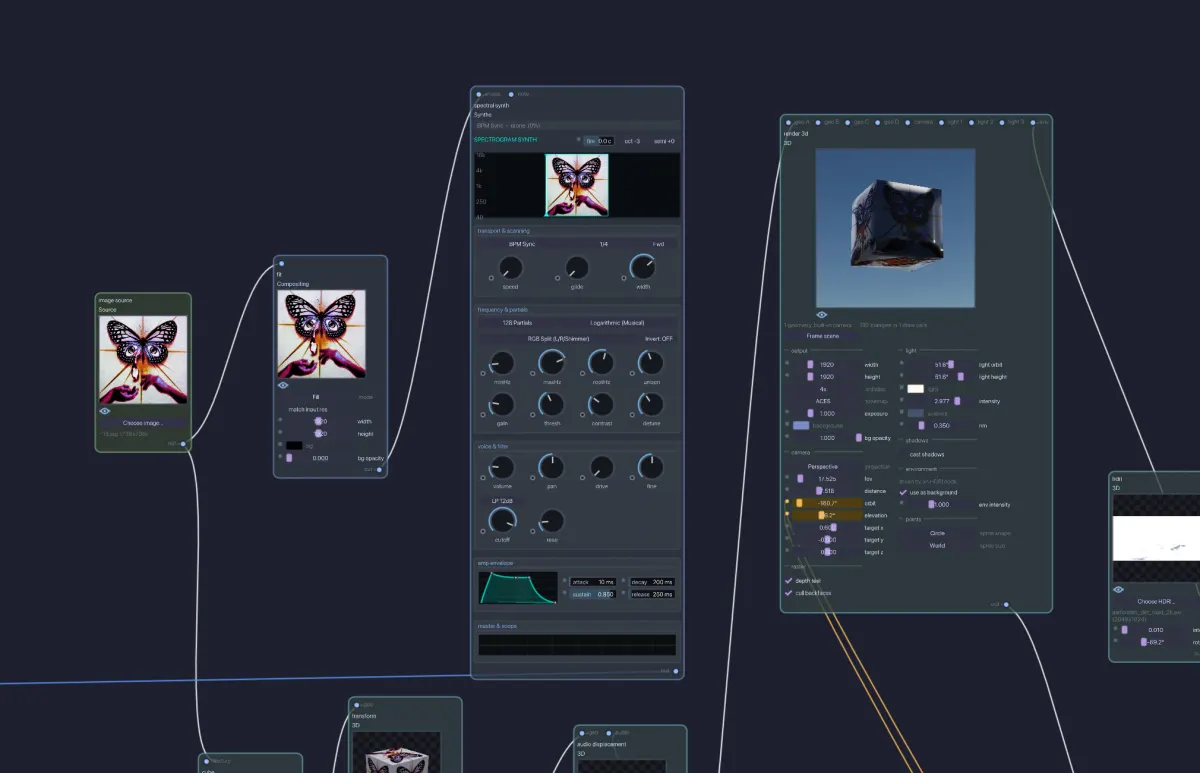
Design visuals, make music and write code on one infinite canvas. Everything is a node, everything reacts in real time, and any knob can move any other.
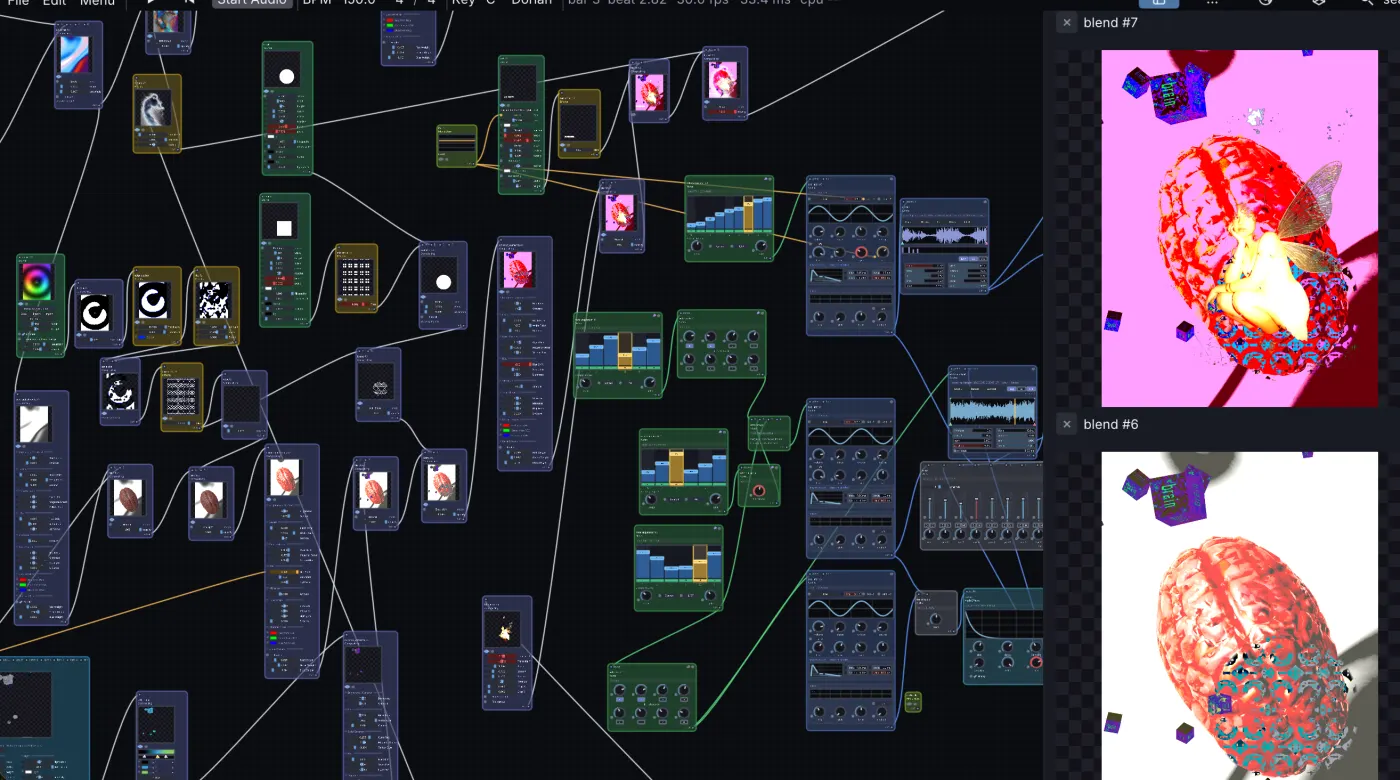
what if your DAW could
make music
shape 3D
move anything
all at once.
It predicts your next move.
Turn a knob and let go. The green Prediction nodes learn the shape of your gesture and keep it moving, one step ahead, with the ghost arc showing where it goes next.
x[t+1] = phi * x[t] + theta + e
connected bynature
made in Infinite
infinite_patch
0:00
recipes
recipe 01
Visuals that dance to the drums
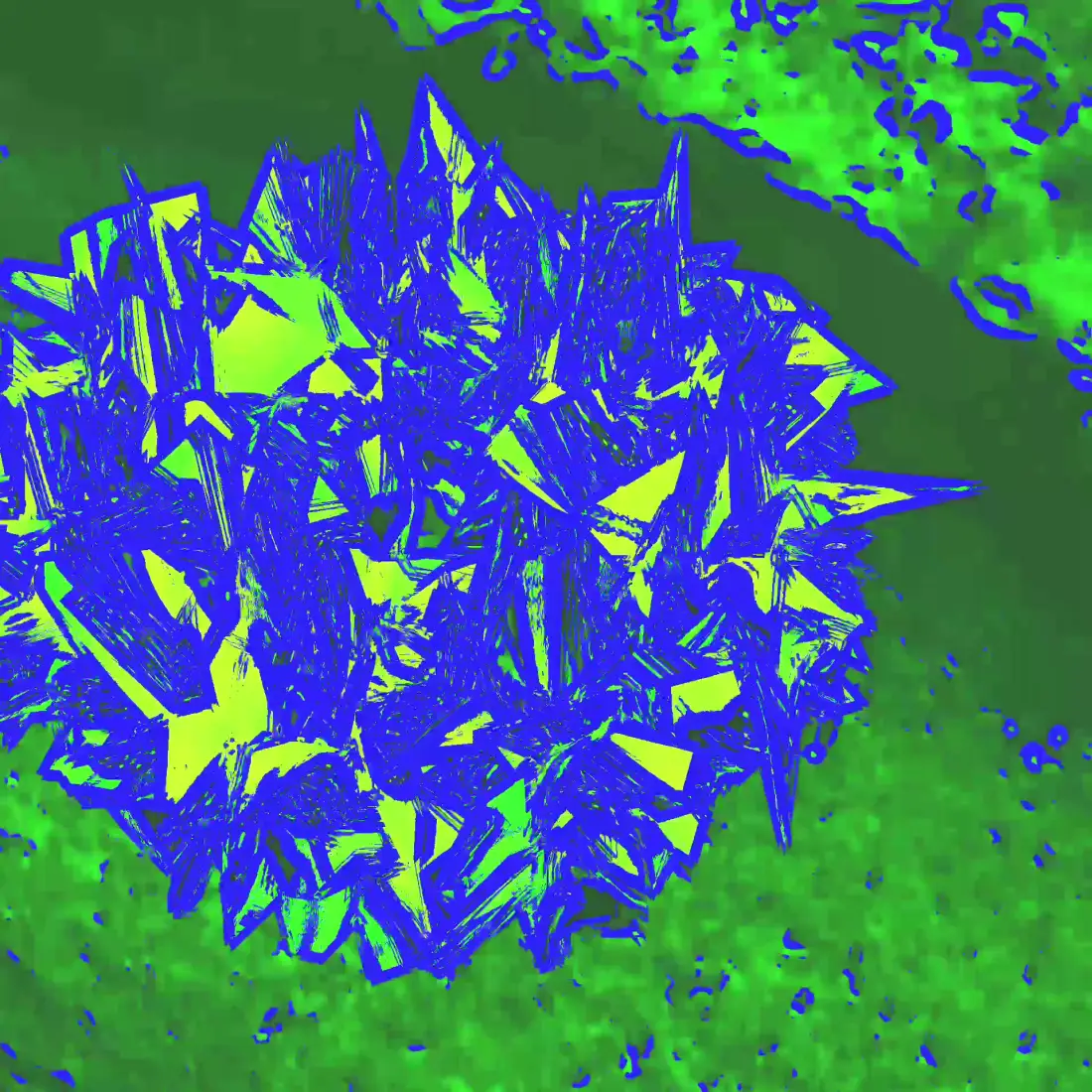
Audio Analyze splits sound into 8 bands. Cable the high band into Ripple and live video bends exactly on the hats.
Audio In
Audio Analyze
ripple
Output
recipe 02
Any sound into an ambient cloud
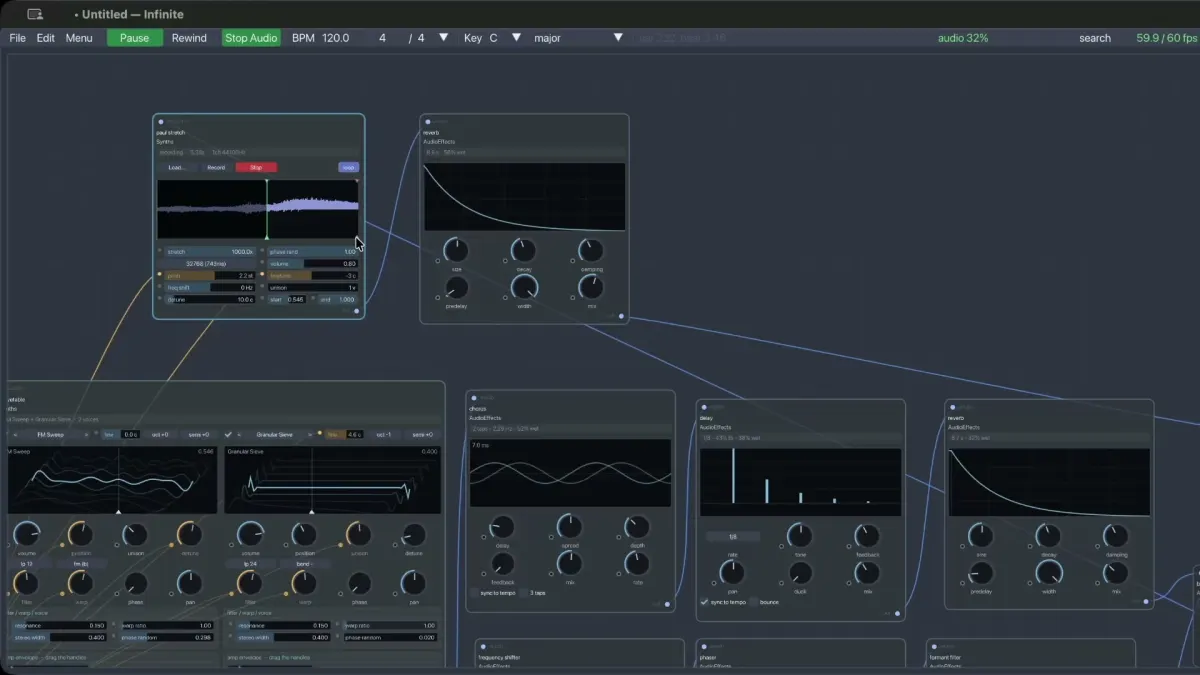
Drop a file into PaulStretch to stretch time up to 50x without changing pitch, then wash it through Reverb.
Audio File
PaulStretch
Reverb
Audio Out
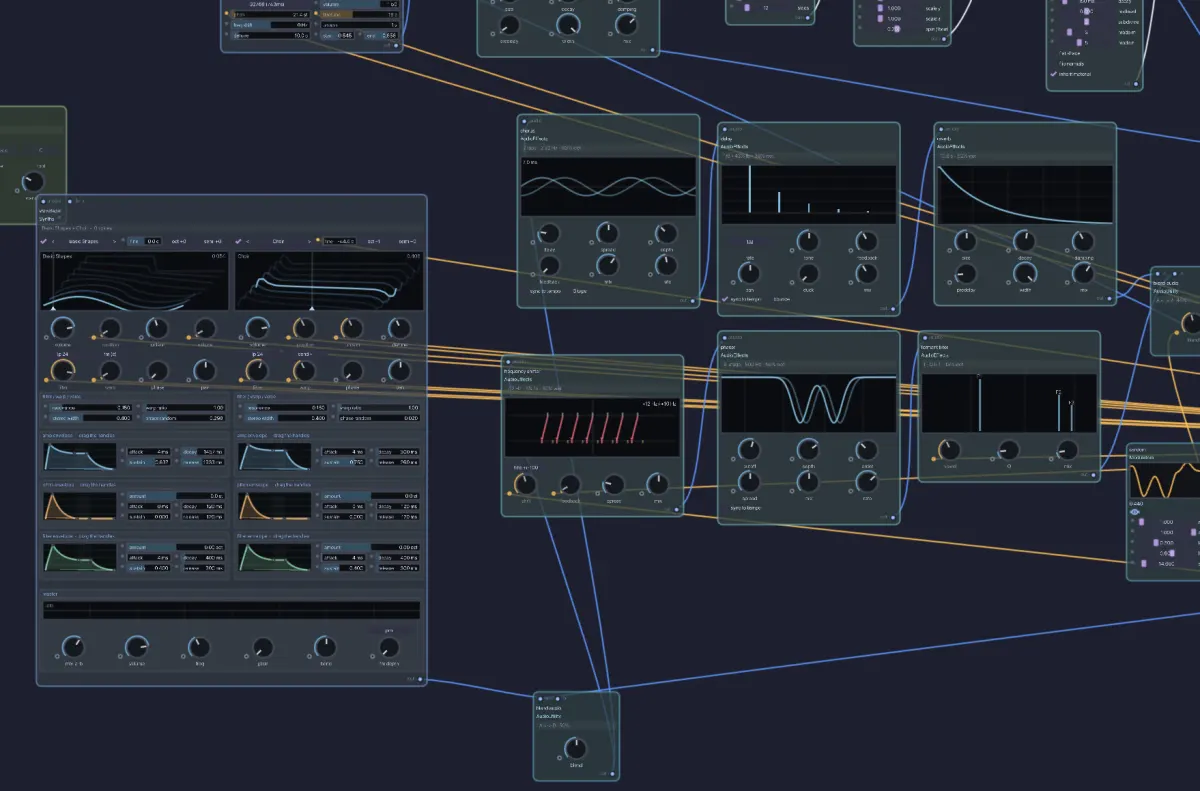
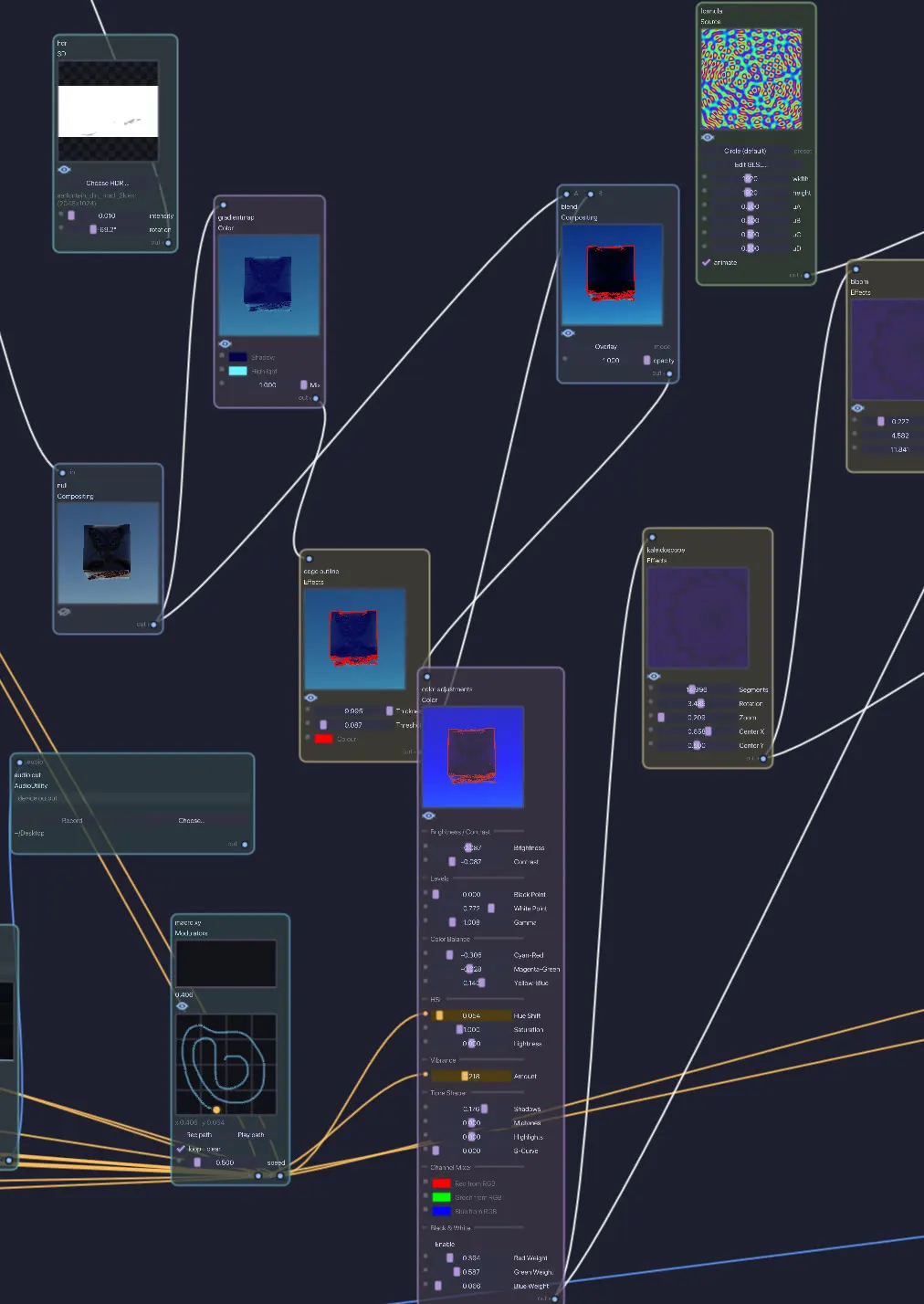
229 nodes
first launch
Infinite is free and unsigned, so your OS asks once. Here is the one-time step for each.
Infinite is an ad-hoc signed community app, so macOS Gatekeeper asks for a one-time confirmation on first launch.
-
1
Double-click the app
Drag
Infinite.appto Applications and double-click it. macOS says it is from an unverified developer. -
2
Open anyway
Open System Settings, Privacy & Security, scroll to Security, and click Open Anyway.
-
3
Or one line in Terminal
Remove the quarantine flag instantly:
xattr -dr com.apple.quarantine /Applications/Infinite.app
The Windows build is a portable folder: no installer, nothing written to your registry. It is unsigned, so Windows warns once on first launch. Most PCs need the Intel / AMD (x64) build. On a Snapdragon X or other ARM laptop take the ARM64 build instead (check Settings, System, About, System type if unsure).
-
1
Unblock the ZIP
Right-click the ZIP, choose Properties, tick Unblock, then OK. Then extract it. Doing this first saves you a prompt for every file inside.
-
2
Run anyway
Run
Infinite.exe. If SmartScreen appears, click More info, then Run anyway. Keep the folder together:Infinite.exeloads its assets from beside itself. -
3
Opening patches
Patches save as
.infinitefiles. Right-click one, Open with, Choose another app, pickInfinite.exeand tick Always. Dragging a patch onto the canvas works with no setup.
Infinite ships as one portable AppImage. It bundles the static AppImage runtime, so you do
not need libfuse2. Needs x86_64, glibc 2.35 or newer (Ubuntu 22.04+, Debian 12+,
Fedora 38+ or similar) and OpenGL 3.2 via X11 or XWayland.
-
1
Make it executable
Download
Infinite-x86_64.AppImage, then:chmod +x Infinite-x86_64.AppImage -
2
Run it
Double-click it, or run it from a terminal. Inside a container, or with no
/dev/fuse, extract and run instead:./Infinite-x86_64.AppImage --appimage-extract-and-run
Make something infinite
macOS11 Big Sur or later, Universal
Windows10 or later, x64 & ARM64
Linuxx86_64 AppImage, glibc 2.35+
- version
- v0.4.6
- price
- free, open source
- license
- GPLv3 binary (bundled VST3), MIT source without VST3
Infinite is made by one person. If it helps you, a small donation keeps it going.
Donate via PayPal